AI Tools for Coding Pine Script: ChatGPT vs Gemini vs Claude vs Grok – A Step-by-Step Guide
Using AI tools like ChatGPT, Gemini, Claude, and Grok has changed how traders approach custom indicators on TradingView. You no longer need to be a coding expert to build something useful in Pine Script, the language TradingView uses for indicators and strategies. These AIs can take your plain English idea (like "create an RSI with moving average crossover alerts") and spit out workable code. It's not magic, though. The code often needs tweaks, but it's a massive time-saver compared to learning Pine Script from scratch.
This guide walks you through the process step by step so you can replicate it yourself. We'll cover pros/cons of each AI for this task, a realistic ranking for Pine Script/trading code quality, beginner-friendly indicators to start with, and resources.
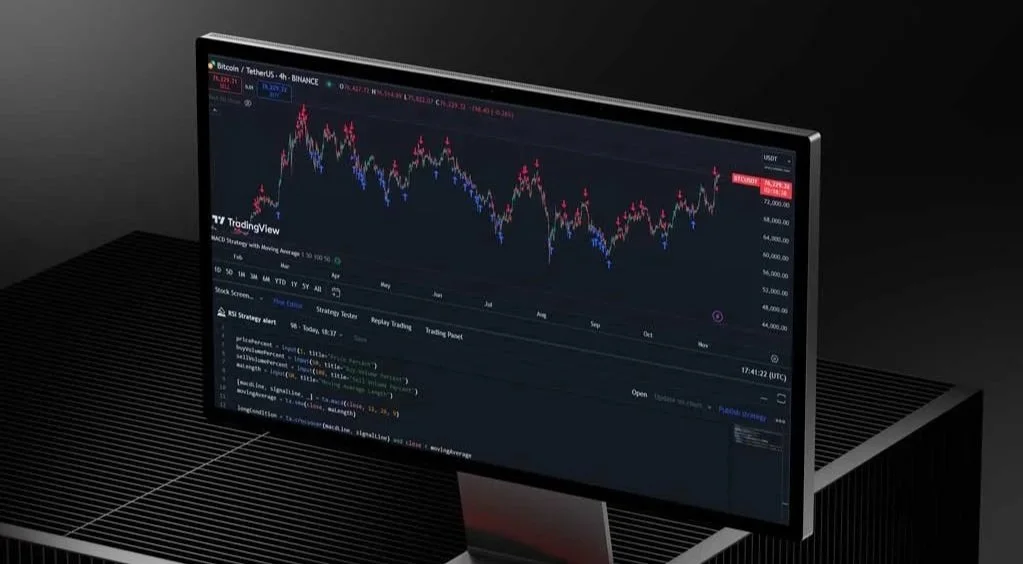
Pros and Cons of Each AI for TradingView Pine Script Work
Here's a straightforward breakdown focused on generating, debugging, and refining Pine Script code for indicators.
Claude (Anthropic)
Pros: Excels at error-free code on first or second try, handles complex logic well, and is great at debugging and explaining why something fails. Users often say it "just works" for Pine Script v5/v6 without endless back-and-forth. Strong for long contexts.
Cons: Can be overly cautious or verbose; no native real-time web access. The free tier's limits are reached faster with heavy use.
Best for: Precision coding and fixing messy scripts.
ChatGPT (OpenAI, especially GPT-4O or later)
Pros: Versatile, fast, huge community examples (many Pine Script-specific GPTs like "TradingView PineScript V5+ Creator"). Good at explaining code line by line, quick iterations. Handles creative combinations well.
Cons: Prone to syntax errors in Pine Script, especially v6 updates; sometimes hallucinates functions or loops unnecessarily. Needs more corrections than Claude.
Best for: Beginners who want to quickly prototype ideas.
Gemini (Google)
Pros: Strong multimodal (can analyze chart screenshots if uploaded), integrates real-time data/search, solid for structured tasks. Good context window for longer scripts.
Cons: Mixed results with Pine Script; some users report more errors or lower accuracy than Claude/ChatGPT. Can feel less specialized for trading code.
Best for: When you need current market context or visual chart input.
Grok (xAI)
Pros: Witty and direct, good at analyzing images/screenshots of TradingView charts (unique strength), real-time X integration for sentiment. Some users praise it for creative strategy ideas.
Cons: Inconsistent on complex Pine Script; more syntax issues reported, query limits push paid version. Less reliable for pure coding than the top competitors.
Best for: Fun brainstorming or chart screenshot fixes.
Best-to-Worst Recommendations for AI Outcomes in Pine Script/Trading Indicators
From trader forums, Reddit threads, and various tests:
Claude — Top choice for reliable, low-error Pine Script. Many switch to it after frustration with others.
ChatGPT — Close second, especially with paid access and custom GPTs. Great all-rounder.
Gemini — Solid third, shines with visuals or the Google ecosystem.
Grok — Fourth; better for ideas/chart analysis than flawless code generation.
Specialized tools like Pineify.app or PineGen.ai often outperform general AIs by focusing purely on Pine Script (they claim better accuracy than ChatGPT/Gemini/Claude for this niche).
Step-by-Step Guide: Building Custom Indicators with AI
Sign up/log in to your chosen AI
Claude: claude.ai
ChatGPT: chatgpt.com (use Plus for better models)
Gemini: gemini.google.com
Grok: grok.x.ai (or via X app)
Prepare your idea clearly
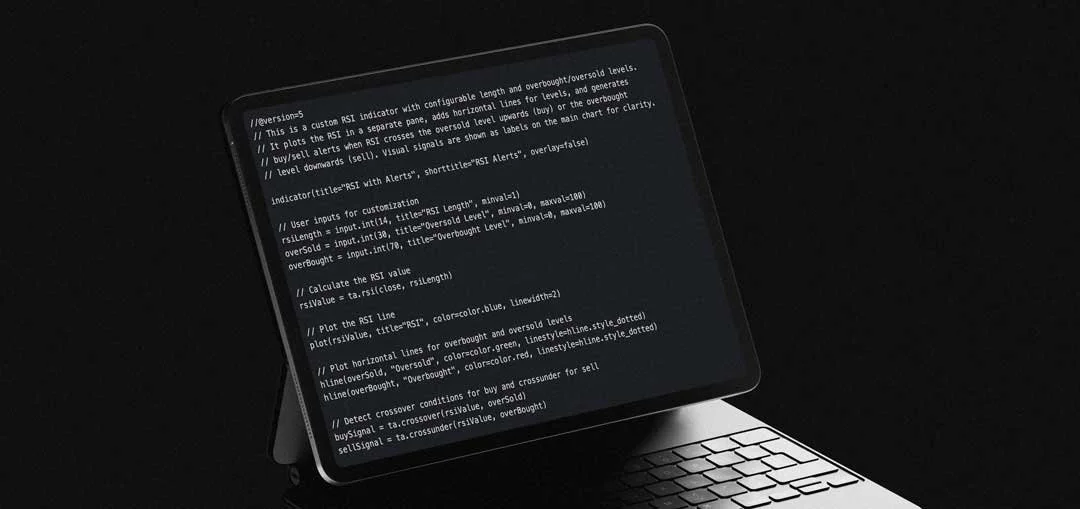
Write a detailed prompt. Example: "Write a Pine Script v5 indicator for TradingView that plots a 14-period RSI in a separate pane, adds horizontal lines at 30 and 70, and shows buy/sell alerts when RSI crosses 30 up (buy) or 70 down (sell). Include inputs for RSI length and overbought/oversold levels. Make it clean, commented, and error-free."
Paste the prompt and generate code
Hit enter. The AI outputs the script (usually starting with //@version=5 or 6).
Copy to TradingView
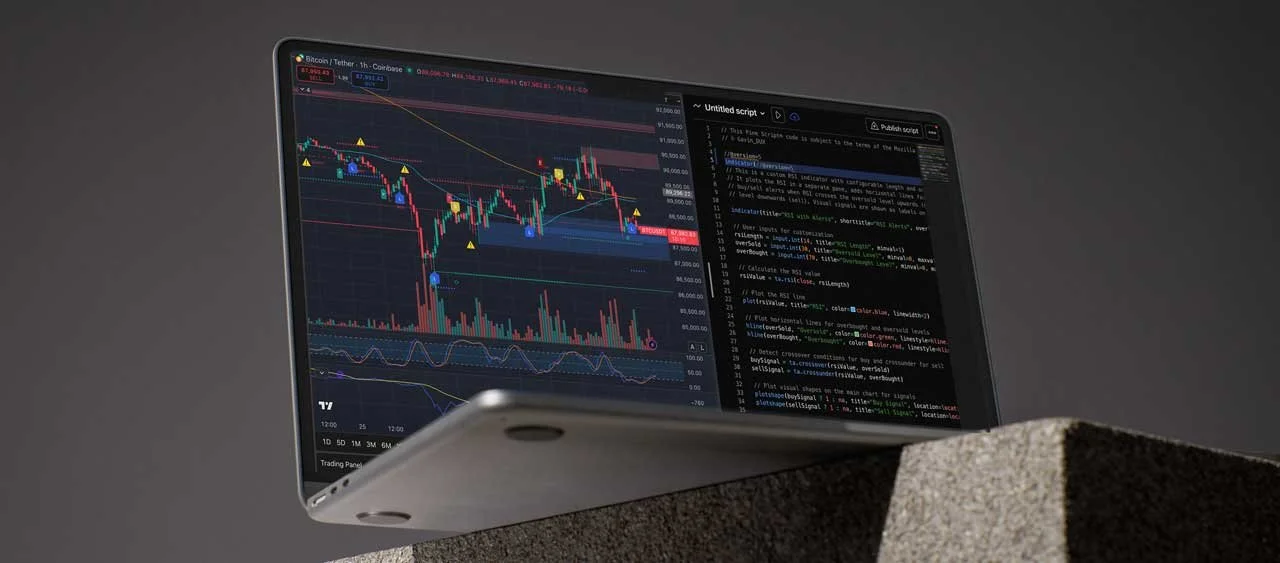
Go to TradingView.com → Open a chart → Pine Editor (bottom panel) → New → Paste code → Save → Add to chart.
If errors appear (red lines), copy the error message back to the AI: "Fix this Pine Script error: [paste error]".
Iterate and debug
Ask: "Improve this by adding EMA filter so signals only fire when price is above 200 EMA." Or upload a chart screenshot (Grok/Gemini/Claude support this) and say, "Based on this chart, tweak the logic."
Test it
Apply to historical data. Use replay mode or Strategy Tester if you convert to a strategy (ask AI: "Convert this indicator to a backtestable strategy").
Refine and publish
Add plots, colours, and alerts. Publish to the community if it's useful.
This process usually takes 10-30 minutes per indicator once you're comfortable.
Best 2-3 Indicators for Beginners (and Why)
Start simple; these build intuition without overwhelming complexity.
Moving Average Crossover (e.g., 50/200 SMA)
Why: Teaches trend following. Golden or death cross signals are easy to understand. Great for spotting direction changes. Combine with volume for confirmation.
RSI (Relative Strength Index, period 14)
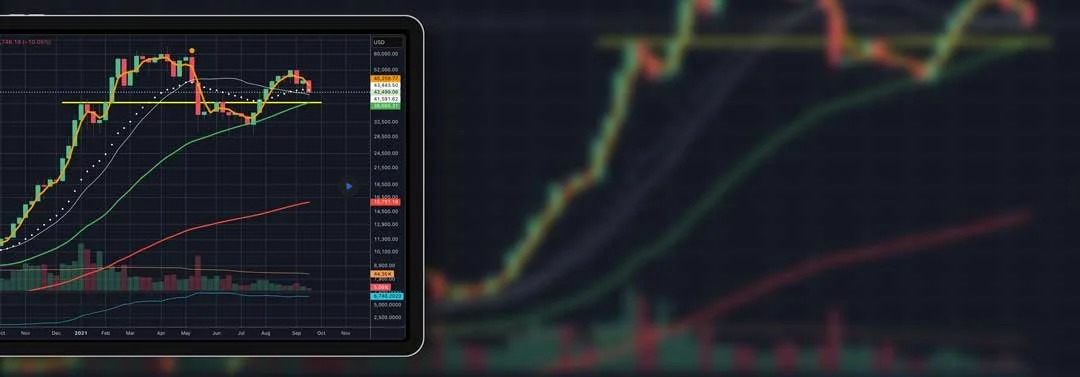
Why: Shows overbought (>70) / oversold (<30) conditions. Perfect for avoiding bad entries in ranging markets. Beginners learn momentum quickly.
MACD (Moving Average Convergence Divergence)
Why: Combines trend and momentum. The histogram shows strength; line crossovers give signals. Versatile for stocks, forex, and crypto.
Conclusion
AI makes building TradingView indicators accessible, no CS degree required. Claude leads for clean code, ChatGPT for speed and versatility, with Gemini and Grok adding unique angles like visuals or real-time vibes. The real edge comes from testing everything yourself, backtesting, forward testing, and tweaking based on your style. Don't chase "perfect" indicators; focus on ones that match your risk tolerance and market.