
Credit: Startae
Some folks call it the "aha moment." Others dub it "time to value," the "first-mile experience," or even the "moment of activation." Whatever label you slap on it, the idea's the same: those first few minutes a user spends with your product can make or break everything that comes next. If they don't feel that spark of value right away, chances are they're bouncing out the door. That's why nailing user onboarding isn't some nice-to-have; it's the bedrock of getting people to adopt your product, stick around, and fuel your growth.
In this post, we'll dig into what makes onboarding tick, how to gauge if it's working, and peek at how some top products pull it off. Whether you're tweaking your own flow or starting from scratch, these insights should give you a solid roadmap.
What Is User Onboarding, Anyway?
At its core, user onboarding is about shepherding new users through your product so they hit that value sweet spot fast and without a hitch. It's more than a canned welcome email or a flashy tour; it's the whole shebang of their initial encounter. Think signup screens, feature intros, and that first win they notch, like sending a message or cranking out a report.
Done right, it clues users in on what your product does, how to wield it, and why it's worth their time. Crucially, it avoids dumping a ton of info on them at once. The aim? Make those early interactions feel seamless and gratifying, so they don't hit roadblocks and bail.
Stats back this up: 63% of customers say onboarding sways their decision to subscribe, and a killer flow can hike retention by up to 50%. Mess it up, though, and you're looking at sky-high churn, grumpy users, and a support team buried in tickets.
Onboarding breaks down into phases, too. Primary onboarding covers the basics from sign-up to activation, checklists, and quick tutorials shine here. Secondary digs deeper into advanced stuff to build habits, with tooltips nudging folks along. Tertiary keeps the flame alive in the long term, pushing upsells and new features via in-app nudges.
Users crave personalization (81% prefer it, and 76% get annoyed without it), intuitiveness, engagement, value upfront, and timely help. Nail that, and you're golden.
Best Practices for Killer User Onboarding
User onboarding boils down to getting folks to a meaningful win quickly, with as little hassle as possible. When progress feels tangible, people hang in there. The top flows nail clarity, relevance, and spot-on timing. Here's a rundown of practices that deliver.
Zero in on Value from the Jump: Ditch the full-blown tour. Newbies need a straight shot to one core action, like setting up a workspace or firing off a first task. Strip away distractions, guide them there, and celebrate the payoff. That "it works!" vibe hooks them to explore more.
Credit: Zulfugar Karimov
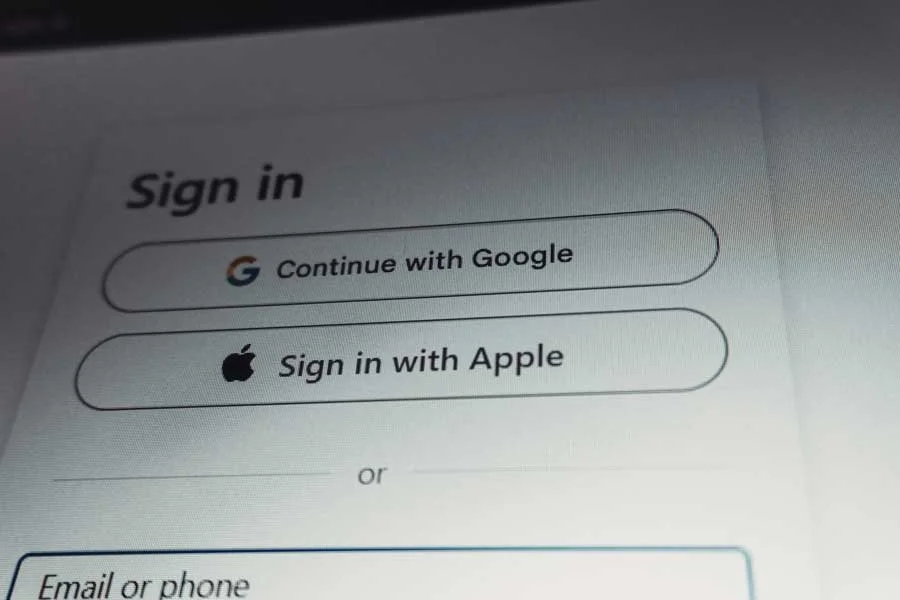
Smooth Out Signup Friction: Every extra click or field is a drop-off risk. Be brutal: axe non-essentials upfront. Lean on one-tap logins like Google, skip email verification if you can, and save deeper questions for later. A frictionless start sets a positive tone.
Embrace Progressive Disclosure: Don't overwhelm with everything at once. Roll out the info step by step, based on what they need now. For feature-packed products, this keeps things digestible: tool tips pop up when relevant, and advanced bits unlock post-basics. It builds confidence without the info overload.
Personalize It: One size fits none. Tailor based on role, industry, or goals, ask a couple of quick questions at signup. Offer custom paths, like admin vs. team setups, or goal-specific templates. It screams "we get you," fostering trust from minute one.
Point to the Next Step: Post-first-win, don't leave 'em hanging. Use checklists, progress bars, or nudges to map what's ahead. Banish blank slates; always tee up something doable. Cutting decision fatigue keeps momentum rolling.
Give Users the Reins: Guidance is great, but forced marches frustrate. Let them skip, pause, or revisit onboarding. Don't gatekeep features behind it. Balance hand-holding with freedom; experienced users especially appreciate the respect.
Deploy UI Elements Smartly: Tooltips, modals, and empty states can guide, but overuse turns them into clutter. Trigger them contextually, keep 'em brief, and make 'em skippable. Turn empty spots into teachable moments with samples or tips. Answer: "Why now?" every time.
Stack Quick Wins: Early triumphs fuel motivation. Cue celebrations after key steps, unlock perks, or recap achievements via email. These micro-highs create stickiness and encourage return visits.
Credit: Austin Distel
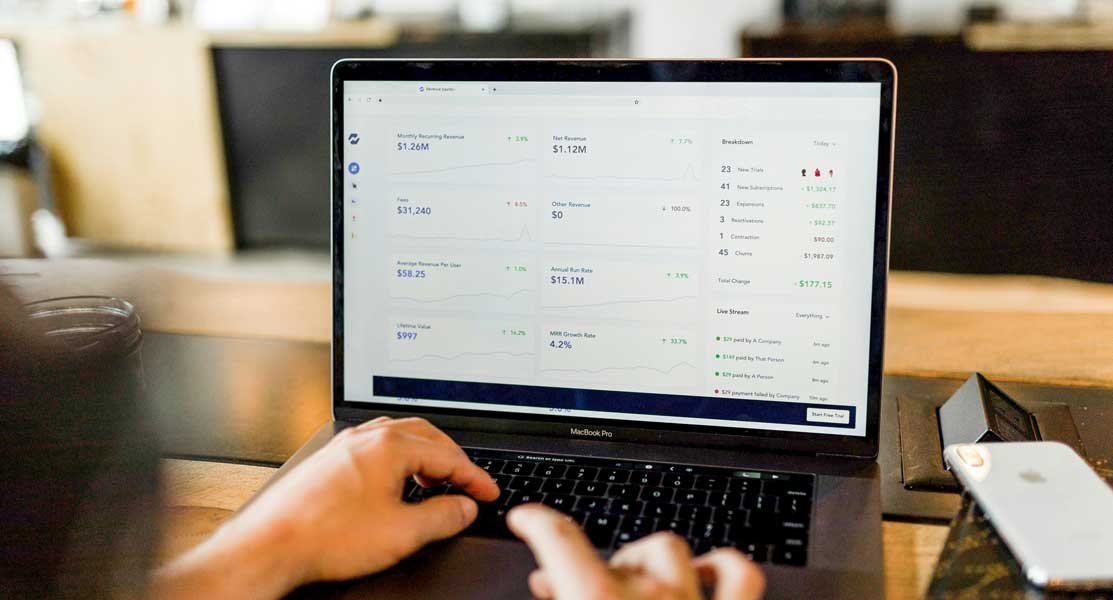
Iterate Relentlessly: Onboarding isn't set-it-and-forget-it. Track metrics, A/B test flows, and chat with users, especially churners. Tweak based on data; what works evolves with your product and audience.
Leverage AI Thoughtfully: AI amps personalization and scales support. Use it for contextual help, dynamic flows, friction-spotting analytics, or feedback summaries. In AI-driven products, it's a no-brainer for keeping things sharp as you grow.
Real-World Onboarding Wins: Lessons from the Pros
Theory's fine, but seeing it in action? Gold. Let's break down examples by goals, patterns, and product types to spark ideas for your setup.
By Goal: Fast Activation and Simplicity
Slack: Master time-to-value by pushing you to message and invite teammates pronto. Gentle nudges, no pop-up barrage. Lesson: Hone in on the action that makes your product sticky, collaborate here, and build around it.
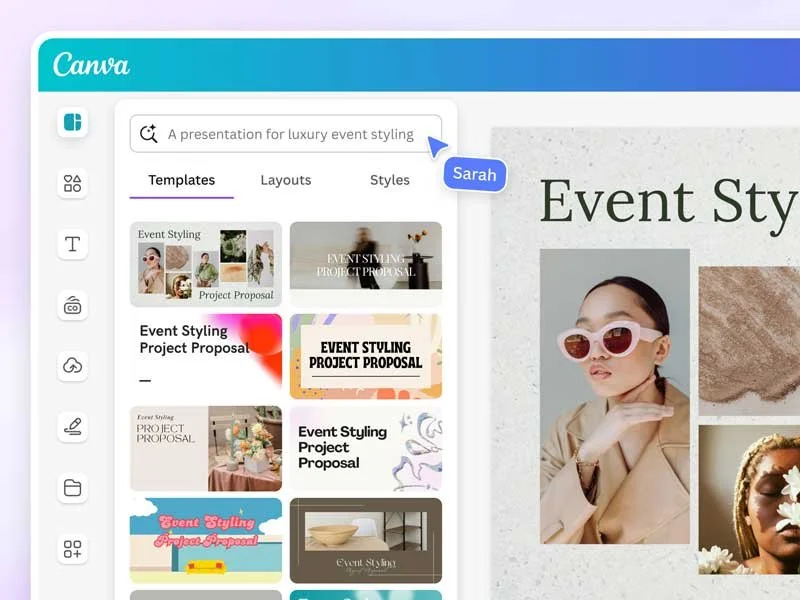
Canva: Dumps you into templates for instant creation, surfacing tools as needed. Clean UI makes the design approachable. Takeaway: Let users learn, not just watch. Starters reduce paralysis.
Credit: Canva
By Pattern: Gamified and Utility-First
Duolingo: Quizzes you into tailored lessons with streaks and rewards. Interactive from the get-go. Insight: Gamify to beat boredom; micro-rewards build habits in learning apps.
Grammarly: Pushes extension install post-signup, shows real-time fixes. Behavior-based emails follow. Key: Integrate value into users' worlds; don't isolate it.
By Product/Audience: B2B, Fintech, Etc.
Asana: Tailors for personal/team use, checklists drive task creation and collaboration. Focus: Workflow over exploration; nudge sharing early for retention.
Revolut: At the beginning, it weaves compliance ID checks, with feature teases during waits. Prompt quick wins post-approval. Tip: Balance must-dos with rewards; use downtime to build excitement. But since 2017, in response to money laundering regulations, Revolut has performed strict, mandatory compliance ID checks.
These show onboarding adapts to your product's DNA, complexity, users, and goals. Study 'em, then tweak for yours.

Credit: Revolut
Measuring Onboarding: Beyond the Basics
A top-notch flow shows in the numbers. Define success first: that activation milestone, like "first task done" or "account linked." Then track these:
Activation Rate: % hitting the milestone. Core for early SaaS.
Time to Value (TTV): How quickly they get there. Long TTV? Flow's clunky.
Drop-Offs/Funnel Completion: Pinpoint leaks at each step.
Adoption/Retention: DAU/MAU, feature use, Day 1/7/30 cohorts. Links onboarding to long-game wins.
Feedback Signals: Surveys, tickets, and interviews for quality insights.
Go deeper with segments (by role/channel), cohorts for experiments, and tools tracking events. Tie it all to big-picture goals like cutting CAC or boosting conversions. Onboarding fuels growth; measure accordingly
Wrapping It Up: Onboarding as Your Growth Engine
User onboarding isn't a checkbox; it's woven into your product strategy, signaling if you truly get your users. Get it right, and you banish confusion, spotlight value, and turn newbies into advocates without making them feel lost. Botch it, and even slick features won't save you.
Guiding users to value is ongoing: educate newbies, motivate regulars, and delight power users. Gather feedback, test flows, analyze behaviors, and iterate. With that loop, you'll drive engagement that sticks.